
How to set the timer clock on
Your appliance is fitted with different time-setting options. You can use these timer settings to make sure you manage your cooking and baking efficiently to deliver the best results with your NEFF oven.Timer
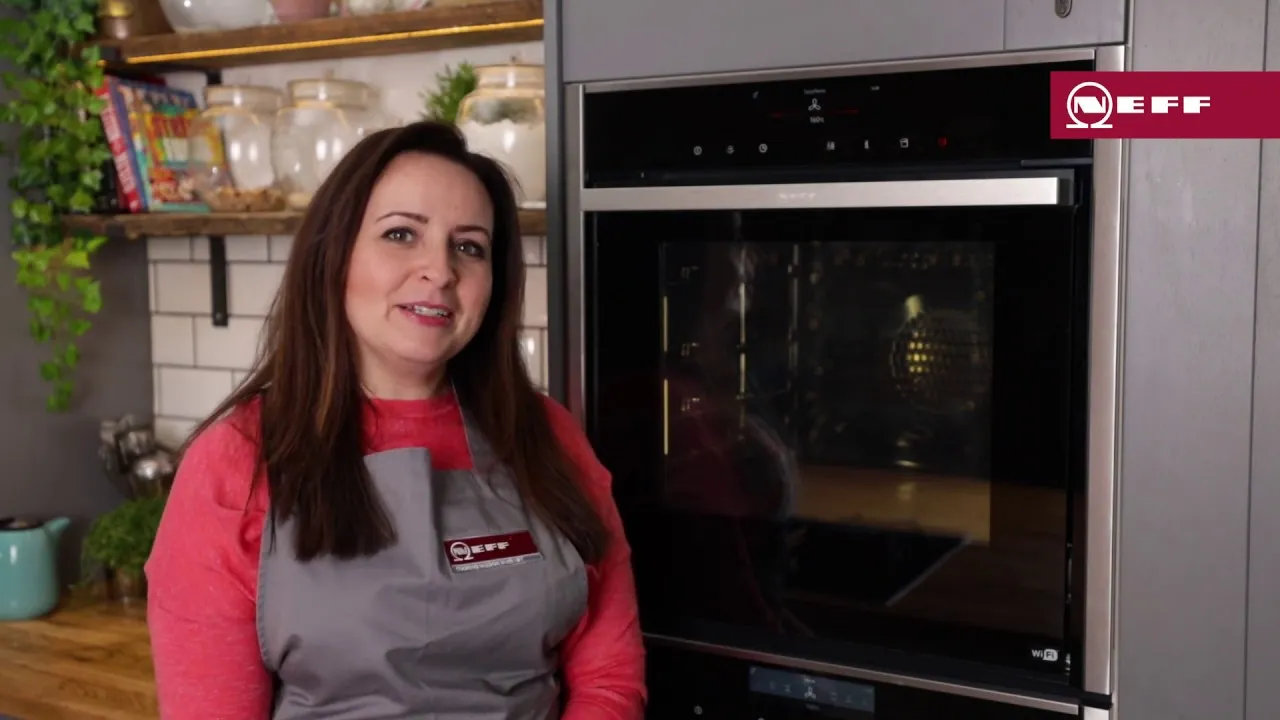
The timer functions like an egg timer. The appliance does not switch on and off automatically. Please play the video below for a quick demonstration of how to use the timer function. If you have a Home Connect oven, you can access the timer function from the app and take control.
Cooking time
Once the set cooking time has elapsed, the appliance switches off automatically.
Ready at
The appliane switches on automatically and once the set cooking time has elapsed and the end time has passed, it switches off automatically. For more information on time-setting options, please refer to the user manual.
Want to get more out of your oven?
Our innovative ovens have many features which make cooking and baking easier, more efficient and exciting. Have you wondered what all of the symbols on your NEFF oven mean? We've put together a guide showcasing all of the oven features and symbols for grilling, cooking, cleaning and safety. Click the button below to have a browse.