

Tactile Controls and Audible Guidance
Inclusive kitchen design for blind and low‑vision cooks

Accessibility in Practice: How Our Features Help You
FAQs
How can I make my kitchen suitable for people who have low vision?
Creating a kitchen that supports people with low vision starts with thoughtful lighting, clear pathways and intuitive, multi‑sensory cues.
- Good, even lighting: reduce shadows and glare, use contrasting light and dark surfaces to help low‑vision users distinguish different areas.
- Tactile markers: add tactile marker to appliance controls for easy identification and adjustment.
- Voice control and audible feedback: choose appliances that provide spoken updates or hands‑free operation.
- Defined countertop edges: select raised or waterfall‑lip counters to help contain spills.
- Clear pathways: keep routes unobstructed and work zones uncluttered for safer movement and handling.
How do tactile controls help blind and low vision cooks?
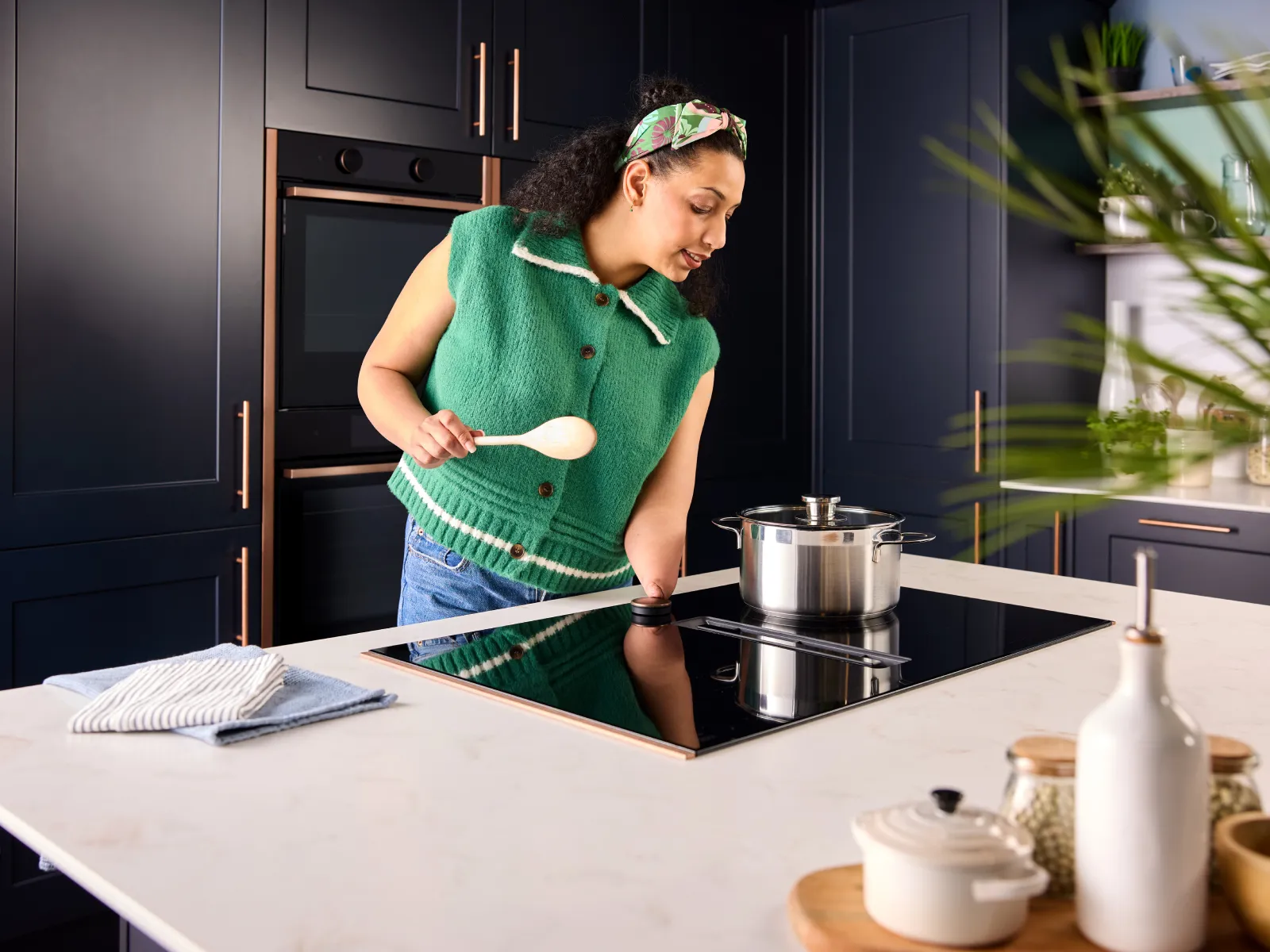
Tactile controls help low vision cooks by providing physical points of reference that can be identified and operated through touch.
- Locate controls by touch: Tactile controls give users clear physical reference points, helping them locate settings by touch, and make quicker, safer adjustments without relying on visual displays.
- Feel clear feedback: tactile cues confirm when buttons are pressed or settings change.
- Distinguish functions easily: Using different shapes or textures bump dots can help distinguish functions, for example, On/Off, temperature controls and cooking zones.
- Reduce reliance on screens: tactile points support operation without depending on visual displays.
Can I use voice control to help manage my NEFF appliance?
Compatible NEFF appliances with the Home Connect app can work with voice assistants such as Amazon Alexa, allowing you to control certain functions and check appliance status using spoken commands instead of relying solely on visual controls.
- Start, pause, resume or stop selected appliance programmes using voice commands.
- Check whether an appliance is switched on, off, running or paused.
- Adjust settings such as oven temperature or extractor hood fan speed on supported appliances
- Receive spoken responses that confirm commands have been completed.
- Reduce reliance on visual displays when carrying out everyday cooking tasks.
Disclaimer
Accessibility benefits may vary by model, installation and individual user needs. Please check specifications and seek advice when planning an accessible kitchen.