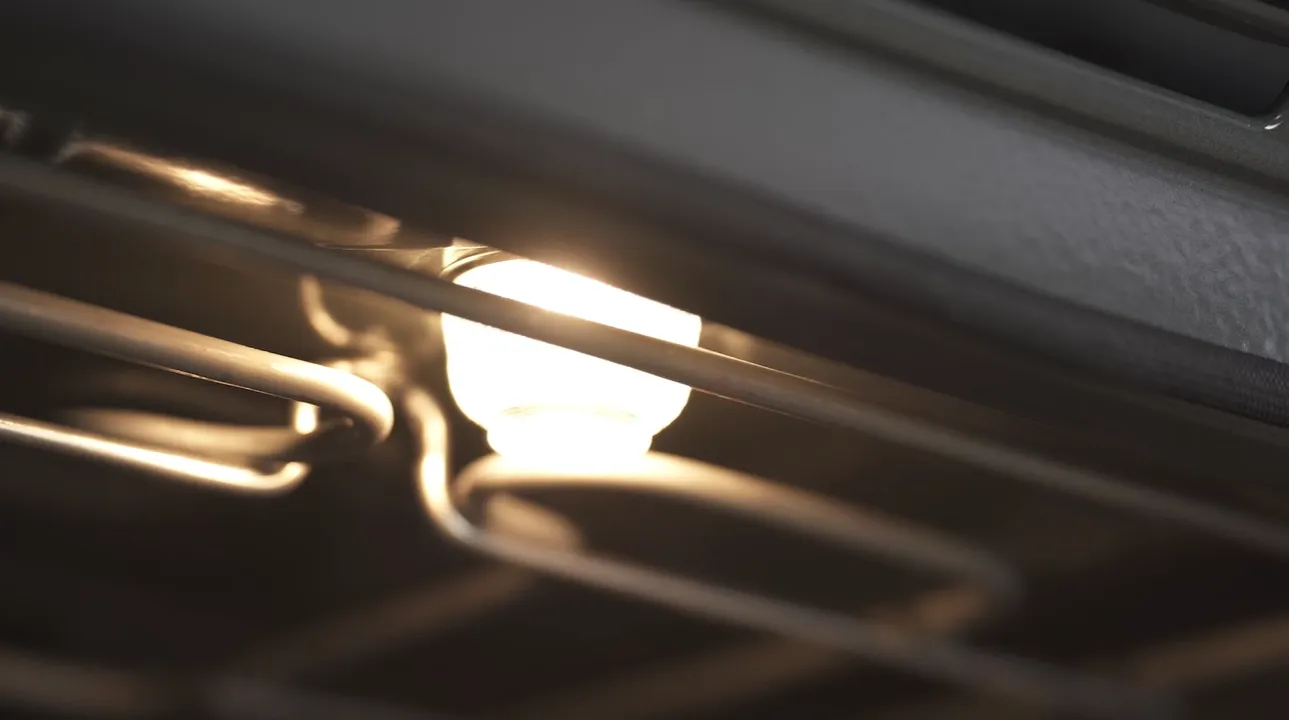
How to change an oven bulb
Before carrying out any repairs, make sure that you have switched off the appliance from the mains and it is cold. Ensure that you have the correct bulb for your appliance. You can check which bulb or lamp is compatible with your oven by using our spare parts finder.
Step-by-step guide
1. Remove the cover using the removal tool by turning it anti-clockwise.
2. Using gloves or a dry cloth, remove the bulb by pulling it straight out. Do not turn it.
3. Insert the new bulb and press it firmly into the socket. Do not touch the bulb with bare hands as this could cause damage. You can use a dry cloth. Pay attention to the position of the pins.
4. Screw the glass cover back on. Depending on the model of the appliance, the glass cover may have a sealing ring. If the glass cover has a sealing ring, put it back in place before screwing the cover back on.